
Download WhatsApp Beta – messaging app, video calling, end-to-end encryption, beta testing, global communication, secure chat, WhatsApp Beta, instant messaging, social app, privacy-focused, user feedback, communication tool
Overview
WhatsApp Beta serves as a testing environment for upcoming features of one of the world’s most widely used messaging platforms. With over 2 billion users globally, WhatsApp continues to redefine digital communication through secure, reliable, and intuitive tools. The beta version allows select users to experience new functionalities before their public release, offering a unique opportunity to contribute to the app’s evolution.
This version maintains the core purpose of WhatsApp: enabling private, real-time conversations through text, voice, and video calls across international borders. It is designed for users who value early access to innovations and are interested in shaping the future of the app through direct feedback. The developer, WhatsApp Inc., has established a strong reputation for prioritizing user privacy and security, which remains central to the beta experience.
While the official release version emphasizes stability and broad accessibility, the beta caters to tech-savvy individuals and community contributors eager to test new tools. Real-world use cases include testing enhanced media sharing, new chat organization features, or improved group management functions. As part of the broader app ecosystem, WhatsApp Beta plays a critical role in ensuring that major updates are refined and user-tested before reaching a global audience.
Key Features & Functionality
- Early Access to Features: Beta users gain priority access to experimental tools and interface changes before they are rolled out to the general public. This includes potential updates to chat customization, media handling, or call quality improvements.
- End-to-End Encryption: All messages, calls, and shared files remain protected with industry-standard encryption, ensuring that only the sender and recipient can access the content. This security layer is preserved in the beta version, maintaining the app’s privacy-first approach.
- Global Communication Platform: Designed for international use, WhatsApp Beta supports seamless messaging across diverse languages and time zones, facilitating personal and professional connections across 180+ countries.
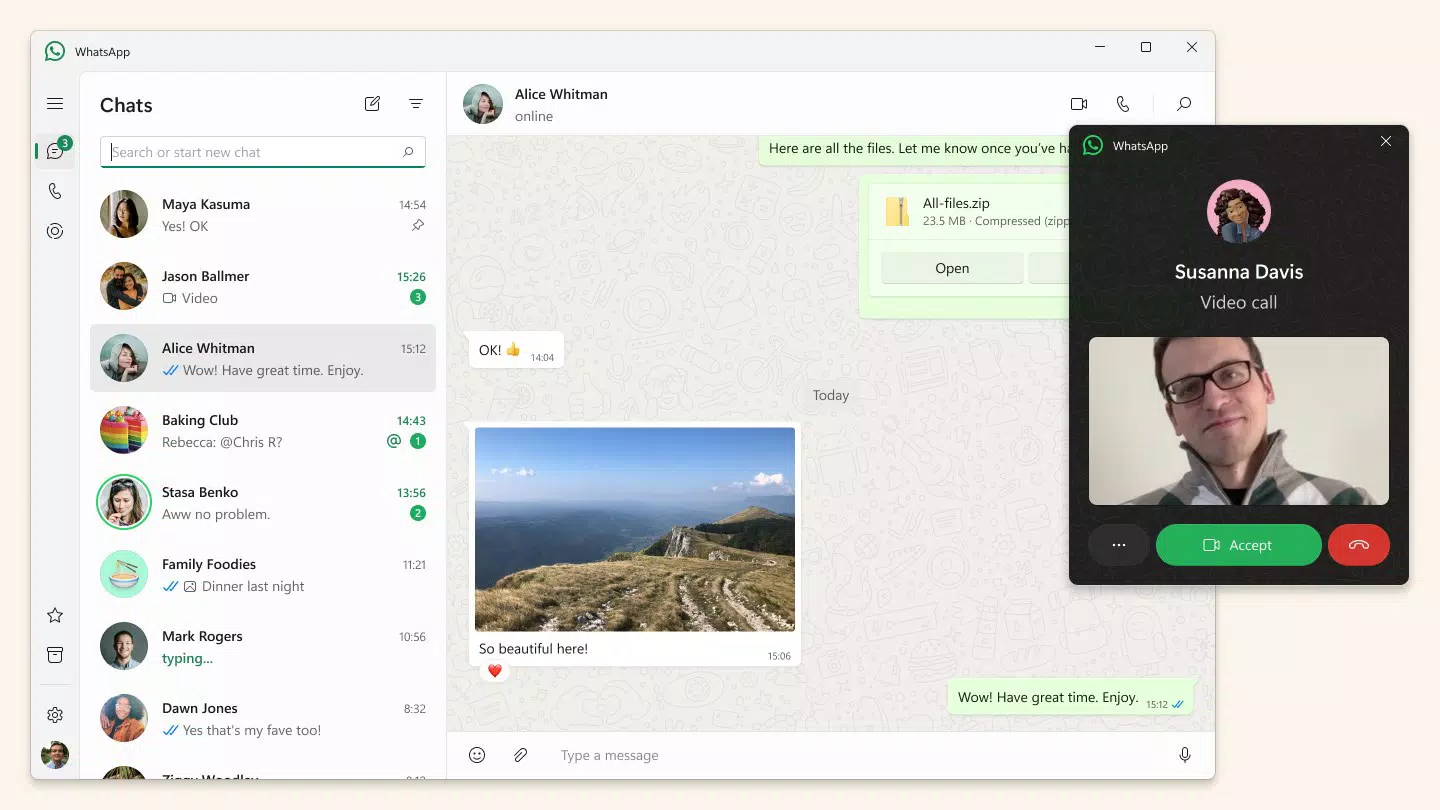
- Intuitive Interface: The familiar layout of the main chat screen, call history, and status updates remains consistent, minimizing the learning curve for returning users.
- User Feedback Integration: Beta participants can submit direct feedback on new features, helping developers identify bugs, usability issues, and feature preferences before final release.
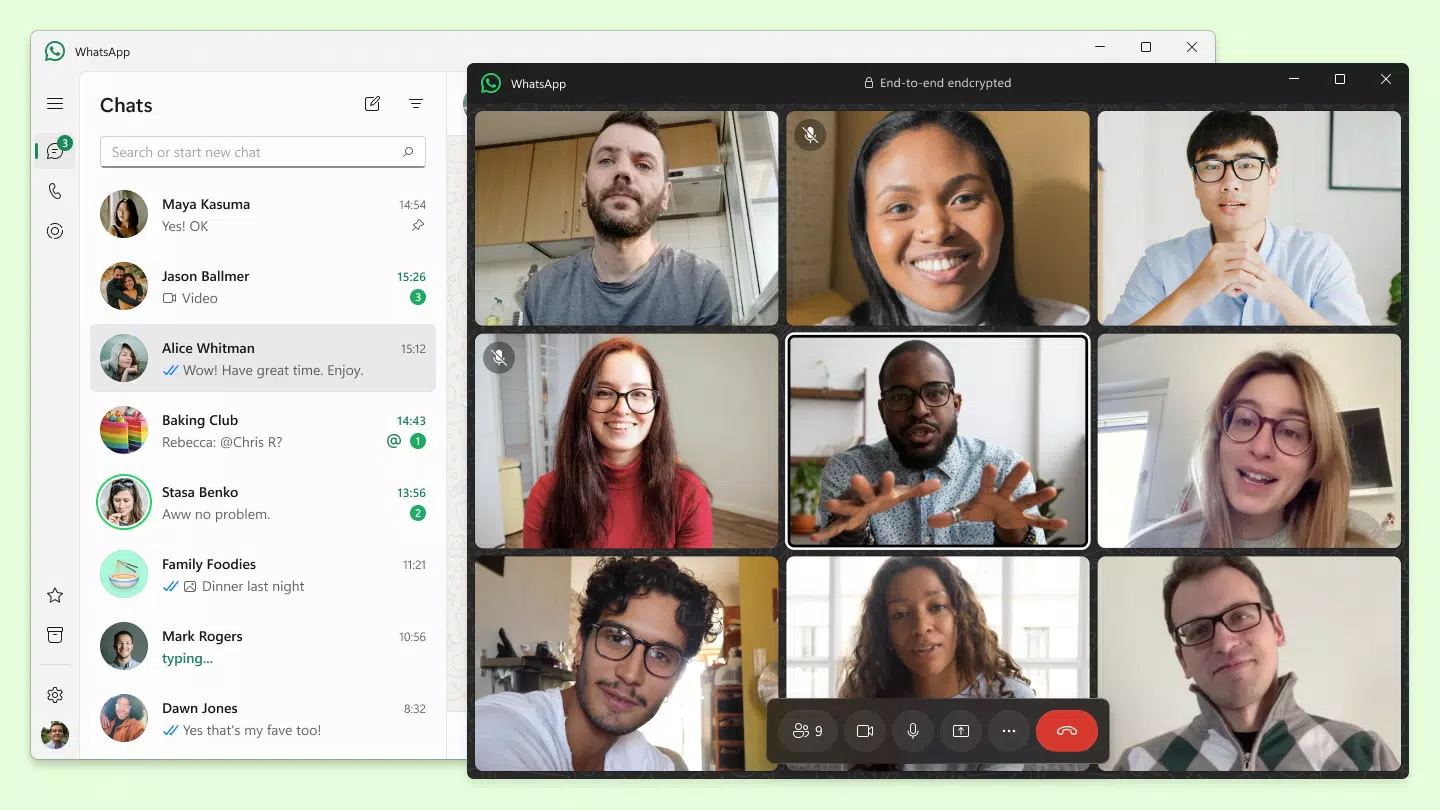
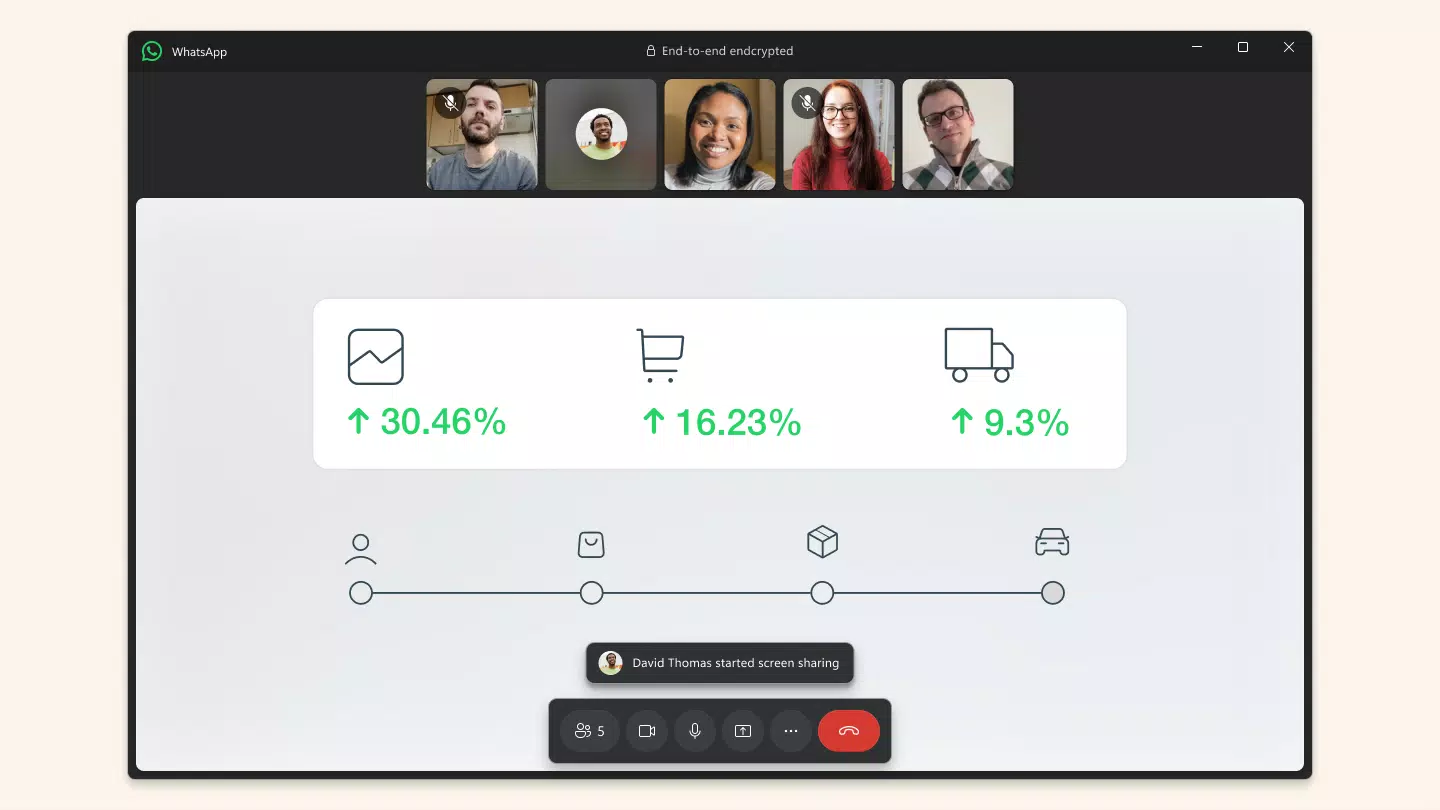
For example, a user testing a new group video call feature could report audio lag or interface confusion, allowing the team to refine the experience. Similarly, feedback on a redesigned media gallery could influence how images and videos are displayed and shared. These real-time insights help maintain the app’s reliability and user-centric design, making the beta version not just a testing ground but a collaborative development space.
Interface, UX & Performance
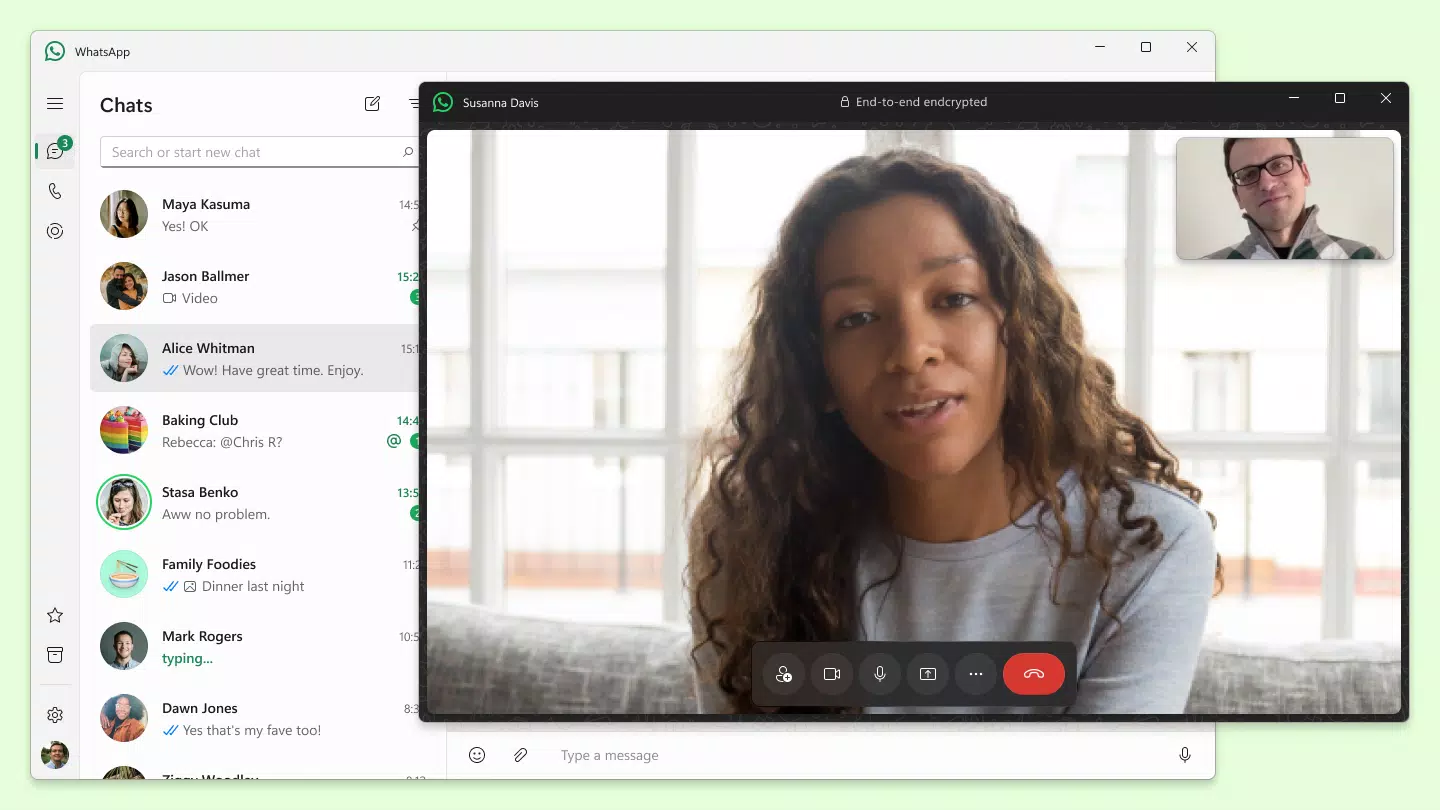
The interface of WhatsApp Beta closely mirrors the official app, maintaining a clean, minimalistic design focused on usability. Navigation is centered around the chat list, with quick access to calls, status updates, and settings. The visual style remains consistent with the parent app—neutral color tones, rounded buttons, and a focus on text clarity.
Users can expect a familiar experience when switching between conversations, media previews, and call functions. Although the developer did not list formal performance metrics, the app is optimized for smooth operation across a range of Android devices. Responsiveness is maintained during message sending, media loading, and call initiation, with minimal lag observed in standard usage scenarios.
Stability appears to be prioritized, though occasional crashes or unexpected restarts may occur due to the experimental nature of the beta. The app’s performance on lower-end devices may vary, but no specific limitations were disclosed. Overall, the user experience is designed to be efficient and distraction-free, aligning with WhatsApp’s long-standing commitment to simplicity and reliability.
Users are encouraged to report any anomalies through the built-in feedback system.
Platform Compatibility & Technical Requirements
WhatsApp Beta is available exclusively on Android devices. The current version is 2.22.17.35, with a file size of 50.4 MB. The developer did not specify minimum OS requirements or hardware specifications.
Compatibility information was not fully disclosed, so users should ensure their device meets general Android standards for app installation and updates. No official support for iOS or other platforms was mentioned. The app is distributed through the Google Play Store’s beta testing program, requiring users to opt-in via the app’s page.
Installation is straightforward, but users should be aware that beta versions may include unstable features or unexpected behavior. The app does not require root access or special permissions beyond standard messaging and media access.
Pros and Cons
- Early access to new features before public release
- Contribution to app development through direct feedback
- Full end-to-end encryption for all communications
- Consistent interface with the official WhatsApp app
- Free to download and use
- May contain bugs or unstable features due to experimental nature
- No official support for iOS or other platforms
- Specific system requirements were not disclosed
- Not recommended for users seeking a fully stable experience
- Requires active participation in the beta program
FAQ
Is WhatsApp Beta safe to use?
Yes, WhatsApp Beta maintains the same end-to-end encryption as the official app, ensuring that messages and calls remain private and secure. The developer has not indicated any changes to the core security model.
Can I use WhatsApp Beta alongside the official app?
Yes, users can run both the official WhatsApp app and the beta version simultaneously on the same device, provided they use different phone numbers for each account.
How do I join the WhatsApp Beta program?
Users can join by visiting the WhatsApp Beta page on the Google Play Store and opting in to the testing program. No additional registration is required beyond accepting the terms.
Are updates automatic on WhatsApp Beta?
Yes, updates are delivered automatically through the Google Play Store, ensuring users receive the latest beta builds as they become available.
What happens if I encounter a bug in the beta version?
Users can report issues directly through the built-in feedback system within the app. These reports help developers identify and resolve problems before the feature reaches the general public.
Final Thoughts
WhatsApp Beta offers a unique opportunity for users who want to stay ahead of the curve in digital communication. With secure messaging, early feature access, and a direct line to development teams, it’s ideal for tech enthusiasts, community contributors, and those passionate about shaping the future of one of the world’s most trusted messaging platforms. While not intended for everyday stability seekers, it provides immense value to users who prioritize innovation and participation. The combination of privacy, global reach, and user-driven improvements makes WhatsApp Beta a compelling choice for forward-thinking communicators. Download WhatsApp Beta now.


